overleaf-mcp-server
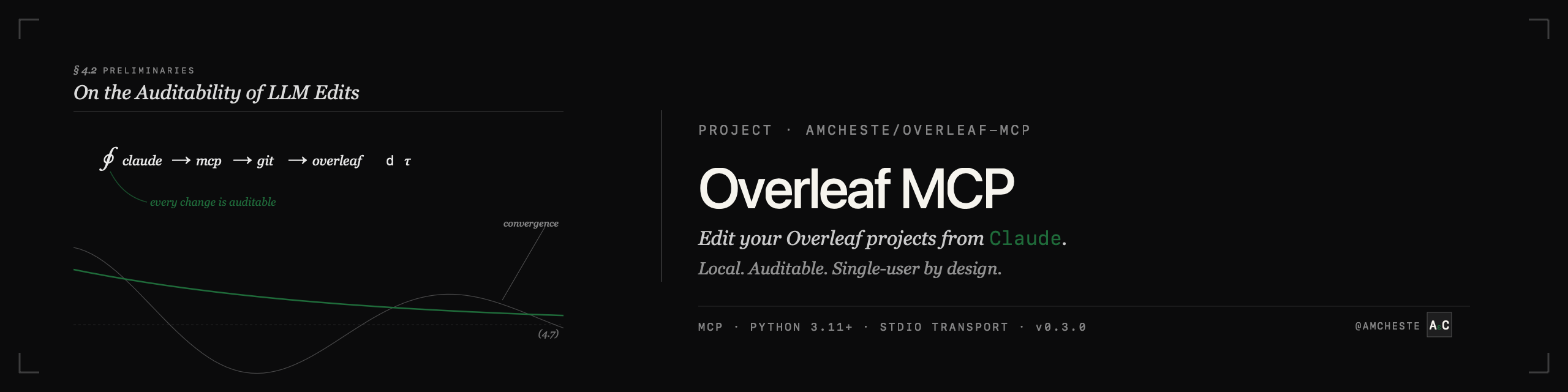
Edit your Overleaf projects from Claude.
Local, auditable, single-user by design.


What it is
A local Model Context Protocol (MCP) server that gives Claude ten tools for working with an Overleaf project: reading files, listing sections, editing prose, creating and deleting files, and syncing back. Every change goes through Overleaf's per-project Git remote, so the round-trip is Claude → MCP server → git push → Overleaf web UI.
Two transport modes. Same tools, different deployment shape:
- stdio for Claude Desktop and Claude Code. Run as a subprocess on your machine, no network exposure.
- HTTP for claude.ai web and any MCP client that can't spawn local subprocesses. Requires a bearer token; pair with a TLS-terminating reverse proxy for public access.
What it is not
- Not a replacement for Overleaf
- Not a hosted multi-user service. Single researcher, single Claude session.
- Not a LaTeX compiler. Overleaf still does the rendering.
- No branch / merge / diff tooling. Use git directly for that.
- No real-time collaboration with humans editing in the Overleaf web UI at the same moment
If those constraints feel restrictive, that's deliberate. See the Security page for the design rationale.
Where to go from here
-
Get started
Install, configure your first project, and connect Claude Desktop in five minutes.
-
What can it do?
Reference for all ten MCP tools, plus concrete prompts that show what they do in practice.
-
Deploy remotely
Run the HTTP transport behind Caddy, nginx, or on Fly.io so claude.ai web can use it.
-
Security model
What this server protects against, what it doesn't, and how to report a vulnerability.
Install
Or with uv:
Either gives you the overleaf-mcp command.